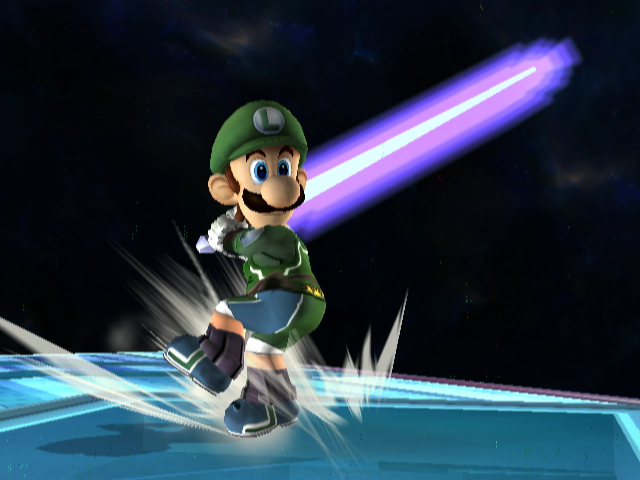

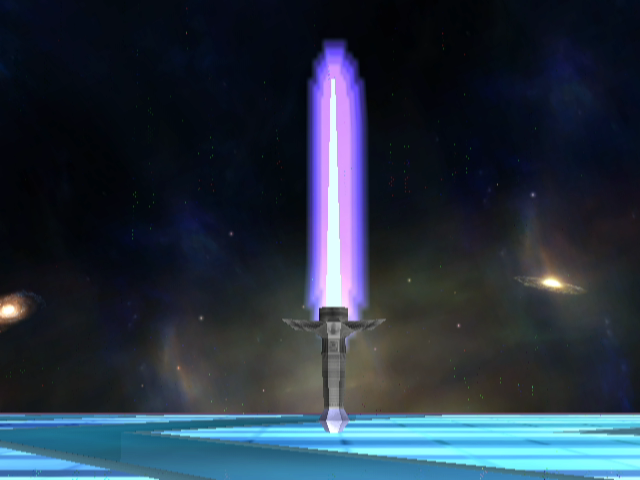
I am still running a few more tests, but expect nothing more.
– Jose Gallardo –
Here is the first SSE stage that I made playable with the use of BrawlBox. It is but one of the many I plan to release. I also made it so Items spawn out normally as a melee stage should. It replaces the Online Training stage. Code and more details are found in the ReadMii that comes with the download. Have fun!
 – Jose Gallardo

– Jose Gallardo
 Ok, so with the latest version of BrawlBox (previously known as SmashBox), it is now possible to replace Item textures with ease, from within the Common3.pac file itself. From now on, I will release item textures as Pac files, and you (the user) will replace said texture with the one provided. For example, I will release a texture in this post to accompany the guide; the Firefox Smash Ball.
Step 1-
First and foremost, download the Firefox Smash Ball PAC Here. Its not zipped or anything, so its ready to go.
I’ll just copy and paste what I wrote in the Youtube video description:
Here is another custom Wii channel I made; a request by someone on Wadder Forums who goes by “murdaz”. This channel was created using 2 legal base wads made by CountZero (1 for banner, and 1 for Icon). The video rendering causes the icon to look pixelated, but it really isn’t. Its just something that Sony Vegas sharpened for some reason.
In Brief: A custom channel forwarder for Smashing! homebrew game. The channel itself does not contain the game.
What exactly is a forwarder? Its basically a channel which when launched, leads to a specified boot.dol file in your SD card. In this case, the boot.dol of your smashing folder (the smashing! game app). The channel itself does not contain any app, so launch will fail and reboot the system if the smashing directory is not found on your SD card.

Already to rock in roll packed in a rar with folder layout all set!
includes music replacement for Luigi’s Mansion(main)
GhostBusters! Punk/Ska Cover Attaboy


